
Create a record
- Go to Records and select the object type.
- Click Create followed by the object name (for example Create contact).
- Complete the form in the drawer. Required fields depend on your object type and field configuration in Settings → Data Fields.
- Click Save.
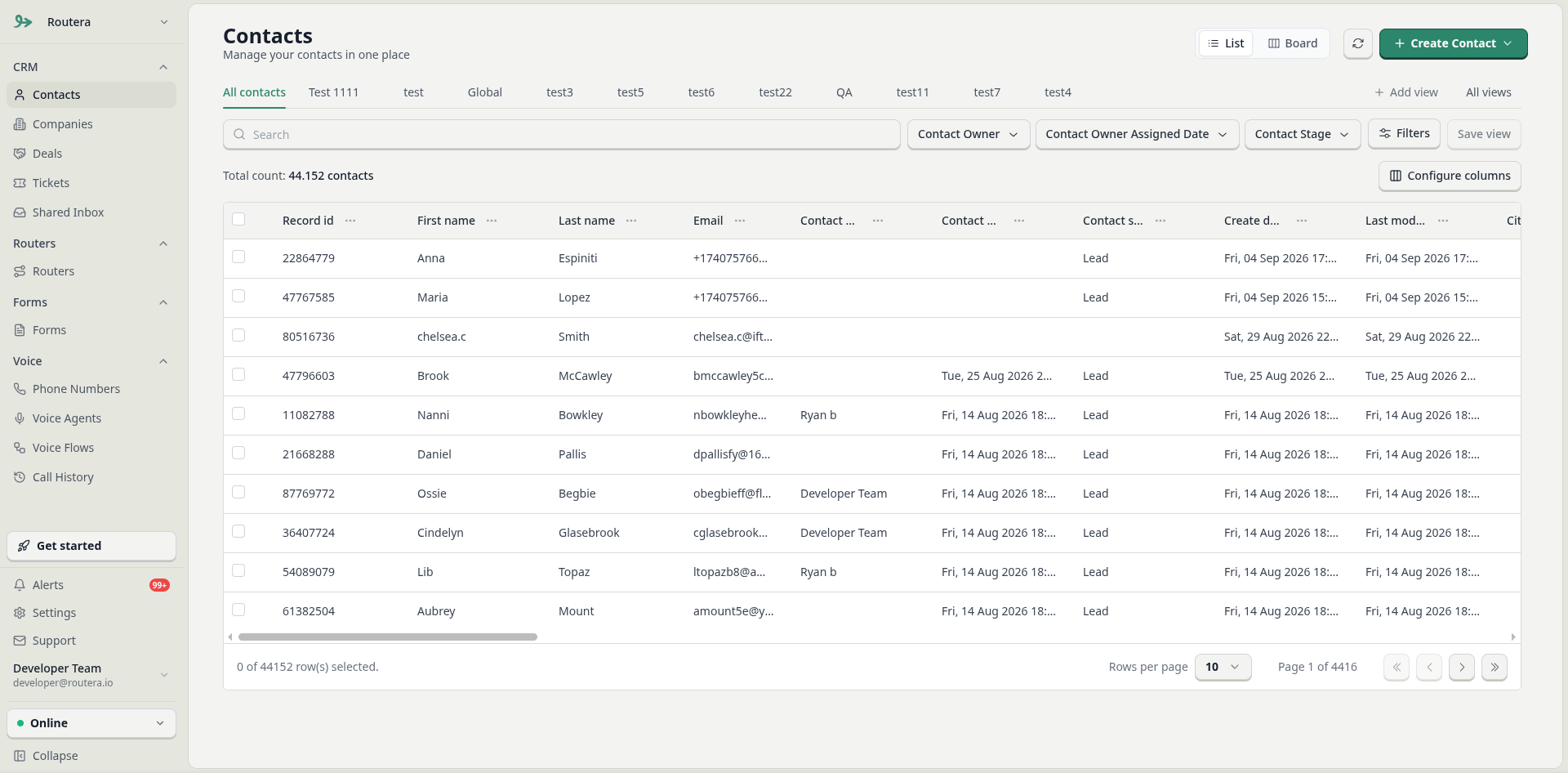
Edit records (bulk)
- On the same list, select one or more records using the checkboxes.
- Click Edit.
- Choose the property to update, enter or select the new value, and click Update.
Customize columns
Click Edit columns to choose which fields appear in the table and adjust column order.Filter the list
- Click Filters, then add a filter and pick a field.
- Choose an operator and value (for example equals, contains, is known).
- Combine filters with AND or OR as needed. Use Reset to clear all filters.
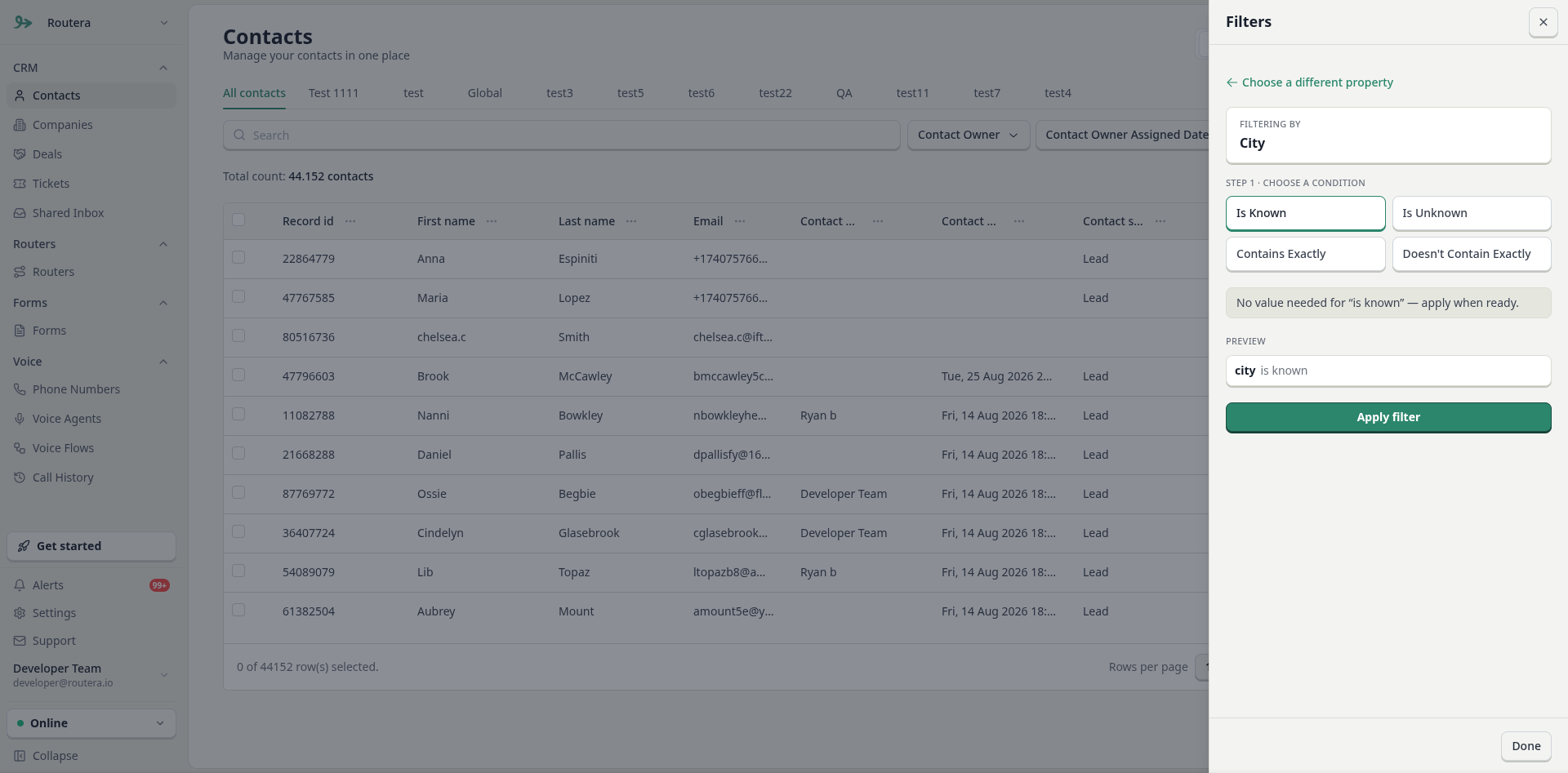
AND returns records that match every condition in a group. OR returns records that match any condition—useful when you want results from multiple values on the same field (for example country is United States or Canada).